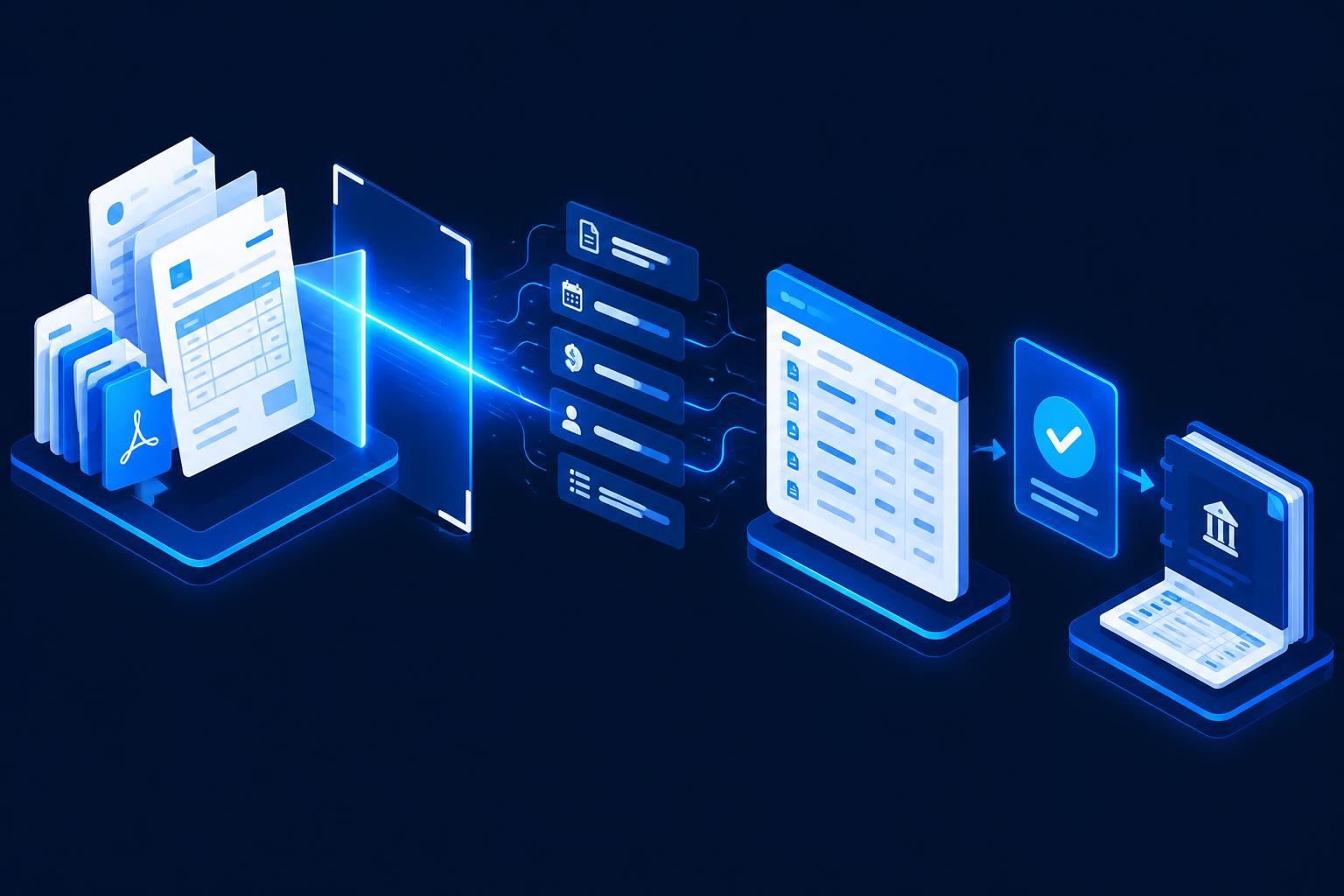
No lead slips through – intelligent inquiry handling with AI.
Every inquiry is captured instantly, classified and reaches the right person with all the details.
Illustrative example: This scenario shows a possible implementation. It does not describe a specific client project.
Starting point
A service provider with around 80 employees receives inquiries via the website contact form, email, phone and platforms such as LinkedIn. Each inquiry is read by someone in the back office, copied into a spreadsheet or CRM and forwarded to sales by group email.
Who takes over an inquiry is often decided ad hoc. Questions about budget, timing or needs only come up in the first call – and sometimes get lost in daily business.
The challenges so far
Scattered channels
Inquiries arrive in several inboxes and tools; nobody has the full picture.
Manual transfer
Contact details and requests are retyped – with typos and missing CRM fields.
Unclear ownership
Without fixed rules, inquiries sit idle or get handled twice.
Slow response
Valuable time passes before a prospect gets a qualified reply.
The possible AI and automation solution
All inbound channels are connected to one central workflow. An AI model reads each inquiry, extracts contact details and the request, assigns a service category and scores it against criteria agreed in advance. The result is created in the CRM in a structured way and assigned to the right sales rep.
- Central capture of forms, emails and platform messages
- AI-assisted extraction of company, contact, needs and timing
- Categorisation by service area and prioritisation by fixed rules
- Automatic creation or update of the contact in the CRM
- Prepared reply draft for sales to approve
// What
What the automated workflow could look like
Step by step – from input to result.

- 01
Inquiry arrives
Via website, email or platform – all channels converge.
- 02
AI analyses
Request, contact details and key facts are recognised and structured.
- 03
Qualification
Category and priority are suggested based on defined criteria.
- 04
CRM entry
Contact, company and deal are created or updated, duplicates detected.
- 05
Assignment
The right person is notified – with all the information.
- 06
Reply draft
A first reply is prepared and sent after review.
Before/after comparison
Before
- Inquiries in several inboxes
- Data is retyped
- Ownership by shouting across the room
- Questions only in the first call
- No consistent status
After
- One central inbox for all channels
- Structured data straight in the CRM
- Fixed assignment rules
- Key facts available before the call
- Transparent status for every inquiry
Potential benefits
Qualitative assessment – the actual value depends on your workflows.
Faster response
Prospects get a relevant reply sooner.
Less data entry
The back office no longer copies data by hand.
Better data quality
Consistent fields and duplicate checks in the CRM.
Clear ownership
Every inquiry has an owner and a traceable status.
Where people still decide
The AI only suggests category and priority. Whether a lead really fits, which offer makes sense and how the final reply reads is still decided by sales. For unclear or sensitive inquiries, no automatic reply is sent on purpose.
Possible technical integrations
Example systems – the selection depends on your existing software.
- HubSpot
- Pipedrive
- Salesforce
- Microsoft Dynamics
- Website forms
- Outlook / Gmail
- Slack / Teams
- n8n / Make
Related services
FAQ on this scenario
Can AI really qualify leads reliably?
It scores inquiries against criteria defined together with sales, such as industry, needs, timing or company size. The result is a suggestion that staff can adjust at any time.
Does this work with our existing CRM?
Common CRMs like HubSpot, Pipedrive or Salesforce offer APIs to create contacts and deals automatically. We check the specific connection case by case.
What about phone inquiries?
Phone inquiries can be fed into the same workflow via a short capture form or call note – so they also land in the CRM in a structured way.
Want your leads handled automatically too?
Find out in the free AI potential check how much automation potential your sales process holds.